Master Your Cooker Timer: Easy Step-by-Step Guide
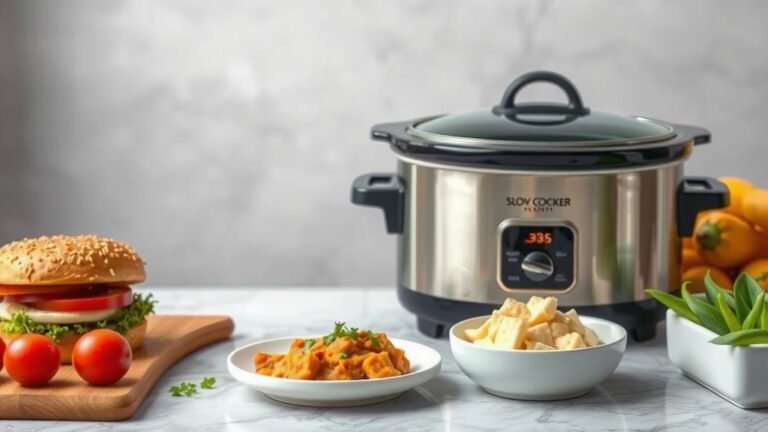
Using a cooker timer is surprisingly simple and can help you avoid burnt meals. You just need to set your desired cooking time and turn the dial. The timer will then count down and ring when your food is ready, preventing overcooking and saving you stress. It’s a handy kitchen tool for perfectly timed dishes.
Timers are great for more than just baking cookies. They can manage boiling eggs, roasting vegetables, or even remind you when to stir your sauce. Many modern cookers have built-in timers, but a separate kitchen timer can offer more flexibility. Understanding how to use yours means you can focus on other kitchen tasks with confidence, knowing your food is on track for delicious results.
- Set your desired cooking time.
- Turn the dial to start the countdown.
- Listen for the alarm when time is up.
- Great for baking, roasting, and boiling. Timers are great for more than just baking cookies; they can also help manage how long to slow cook chicken.
- Prevents overcooking and saves meals.
Let’s walk through exactly how to get the most out of your cooker timer, step by step.
Mastering Your Cooker Timer: A Guide to Perfect Cooking Times
Using a cooker timer might seem straightforward, but understanding its nuances can really elevate your cooking. It’s your secret weapon against undercooked chicken or overdone pasta. Let’s dive into how to make this simple tool work for you, ensuring delicious results every time. This guide will break down its functions and best practices.
Understanding the Basic Timer Mechanism
Most cooker timers operate on a simple principle: you set a duration, and it counts down. You’ll typically find a dial or buttons for setting the time. Once set, the timer begins its countdown. When the allotted time is up, it will signal you. This alert is usually an audible alarm, ranging from a gentle chime to a more insistent beep. It’s designed to grab your attention so you don’t miss a critical cooking stage.
Setting the Time: What to Consider
The first step is always determining how long your dish needs to cook. This information is usually in your recipe. Don’t just guess! Recipes are tested for a reason. For instance, boiling an egg for 3 minutes yields a very different result than boiling it for 10 minutes. Always double-check your recipe’s timing recommendations.
Reading Your Recipe’s Instructions
Recipes are your roadmap. They’ll specify cooking durations for various steps. Some might say “bake for 25-30 minutes,” while others might say “simmer for 15 minutes, stirring occasionally.” Pay attention to these details. If your recipe says 28 minutes, set your timer for 28 minutes. You can always check on the food a minute or two early if you’re concerned.
Adjusting for Your Oven or Stove
It’s a well-known cooking truth: ovens and stoves can vary. Even if you follow a recipe precisely, your specific appliance might run a bit hotter or cooler. Some cooks find that their oven bakes faster than the recipe suggests. In such cases, you might want to set your timer for a few minutes less than the recipe calls for. You can always add more time if needed. This is where experience and observation come into play.
Operating Your Timer: Step-by-Step
Using the timer is usually a two-step process: setting the time and starting it. Many older timers have a dial. You simply turn the dial to the desired time. For digital timers, you’ll likely press buttons to input the hours and minutes. Once the time is displayed, there’s usually a “Start” or “Set” button to initiate the countdown.
The Dial Timer Method
With a dial timer, you’ll typically turn the knob clockwise until it reaches your desired cooking duration. You might need to go slightly past the time and then back to it. This winding action engages the mechanism. Once released, the dial will slowly return to zero, indicating that time is passing. Listen for the ticking; it’s a comforting sound for many home cooks!
The Digital Timer Method
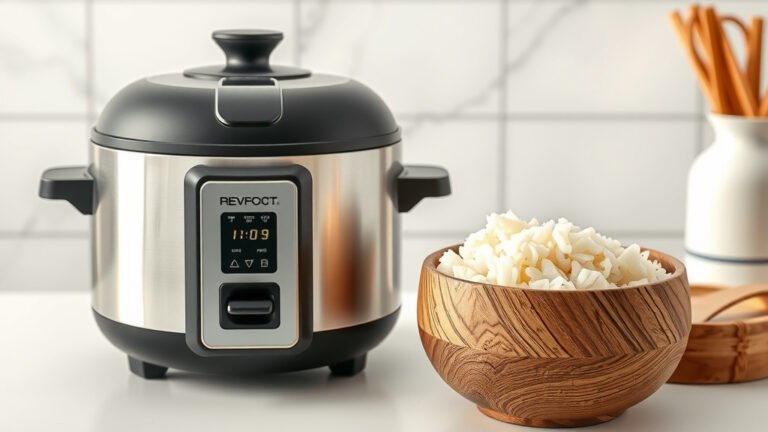
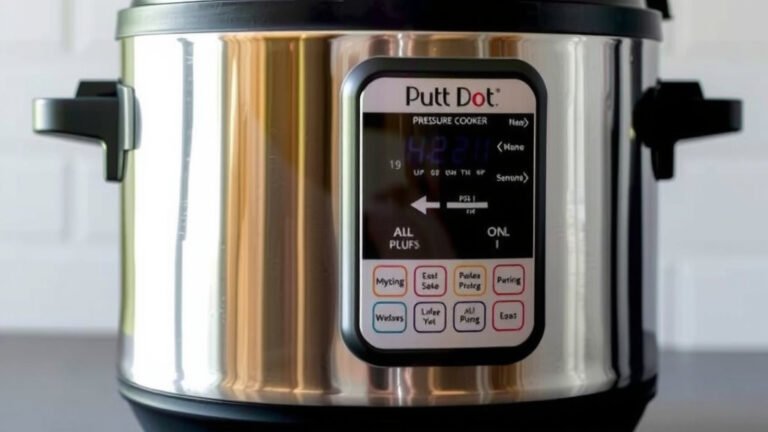
Digital timers are often found on modern ovens and as standalone units. You’ll see an LED display. You’ll usually press buttons like “Hour” and “Minute” to set the time. Once the correct duration is shown, look for a button labeled “Start,” “Set,” or perhaps a play symbol. Pressing this begins the countdown. Some digital timers also allow you to set a clock, so be sure you’re setting the cooking timer function.
When Time is Up: The Alarm
The alarm is your cue. When the timer reaches zero, it will sound. The sound can range from a soft beep to a loud buzz. This is your signal to check your food. For some timers, you might need to press a button to silence the alarm. Others may stop on their own after a short period. If you’re using an oven timer that also controls the oven’s heat, the alarm usually signifies the oven turning off.
Beyond the Basics: Advanced Timer Uses
Cooker timers aren’t just for main dishes. They are incredibly versatile. Think about boiling an egg to perfection. A 5-minute timer gives you a soft-boiled egg, while a 10-minute timer yields a hard-boiled one. They’re also great for reminding you when to stir a sauce, flip pancakes, or take a batch of cookies out of the oven before they burn. We found that using a timer for sauces prevents them from sticking and burning on the bottom of the pot.
Troubleshooting Common Timer Issues
What if your timer isn’t working as expected? If it’s not making any sound, check if it’s plugged in (if it’s electric) or if the batteries need replacing (for standalone units). Sometimes, dials can get stuck. A gentle jiggle might help, but don’t force it. If your oven’s built-in timer seems faulty, it might require professional attention. Many appliance repair services can help with this (Consumer Reports often advises checking warranties first).
A Quick Checklist for Timer Success
To ensure you’re getting the most out of your cooker timer, keep these points in mind:
- Always consult your recipe for exact cooking times.
- Set the timer accurately for the specified duration.
- Listen carefully for the alarm when time is up.
- Don’t be afraid to adjust times based on your oven.
- Use timers for more than just baking; they help with all sorts of cooking.
- Check batteries or power if your timer isn’t working.
Conclusion
You’ve now learned how to master your cooker timer, transforming it from a simple gadget into a powerful kitchen ally. Remember, accurately reading your recipes and understanding your appliance’s quirks are key to success. Don’t hesitate to adjust times as needed—your cooking experience is unique! From perfectly boiled eggs to flawlessly roasted vegetables, your timer helps you achieve delicious results with confidence. Your next step? Try setting your timer for a dish you’re making this week, focusing on accurate timing and observing the outcome. You’ve got this!
Frequently Asked Questions
Can I use a cooker timer on an old gas stove?
Yes, absolutely! Many older gas stoves have mechanical dial timers. You simply turn the knob to the desired cooking duration, and it will tick down and ring when time is up. Just ensure the timer mechanism itself is still functional.
What’s the difference between a kitchen timer and an oven timer?
An oven timer is typically built into your oven and often controls the oven’s heating function as well. A standalone kitchen timer is a separate device you can use for any cooking task, from boiling water to simmering sauces, and it won’t automatically turn off your oven.
My timer’s alarm is too quiet. What can I do?
If your timer’s alarm is too quiet, it might be time to check the batteries if it’s a digital unit, or consider getting a replacement. Some newer models have adjustable volume settings, which could be an option if you’re buying a new one.
How do I know if I should adjust the time on my recipe?
You should adjust the time if you notice your food cooking faster or slower than expected in your specific oven or stove. If your baked goods are browning too quickly on top, for example, you might want to use a timer that’s a few minutes less than the recipe suggests.
Can I use my cooker timer for things besides actual cooking?
Definitely! Cooker timers are fantastic for any timed task in the kitchen. You can use them to remind you when to check on a sauce, when to flip pancakes, or even when to take a break from stirring if you’re multitasking.